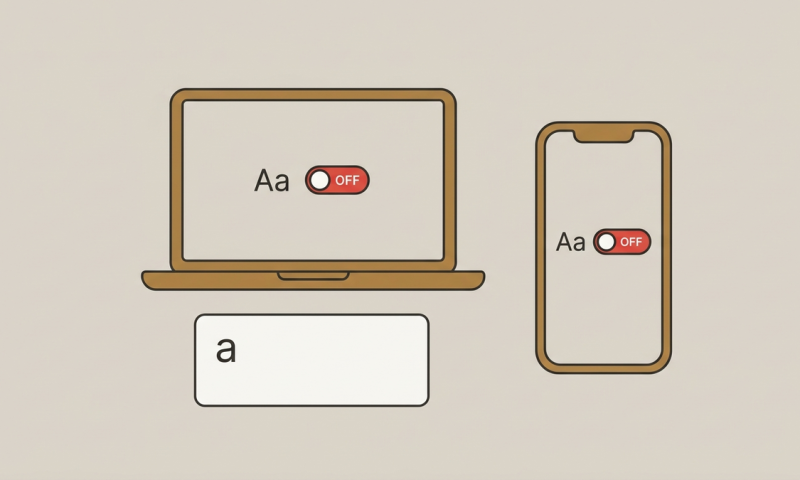
How to Turn Off Auto Capitalization in Word and on Your Phone
To turn off auto capitalization, change the setting in the app or keyboard that is adding the capital letters. In desktop Word, this…
Read the articleLittle ideas for better words, simpler tasks, and a more thoughtful everyday.
To turn off auto capitalization, change the setting in the app or keyboard that is adding the capital letters. In desktop Word, this…
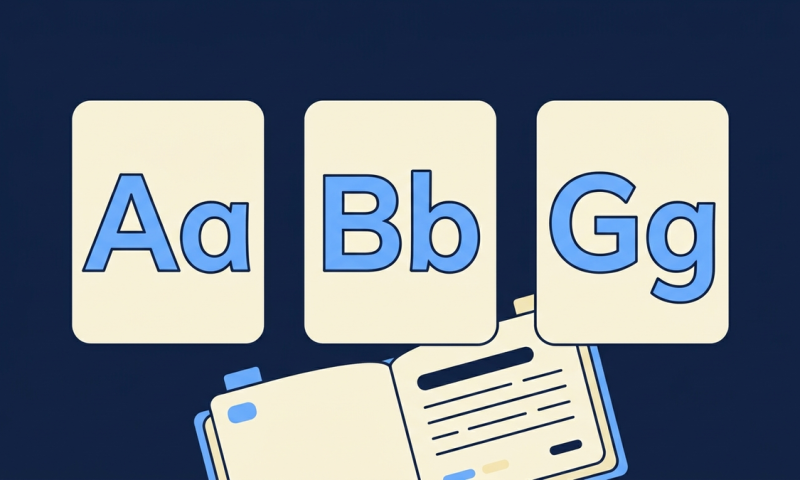
Read the articleUppercase letters are capital letters, such as A, B, and C. Lowercase letters are their noncapital forms, such as a, b, and c.…
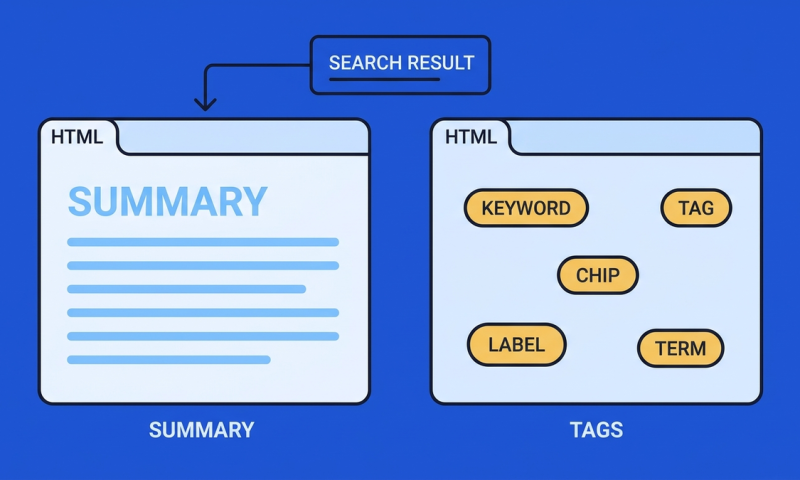
Read the articleA meta description is a short page summary that Google may use in a search-result snippet. A meta keywords tag is an HTML…
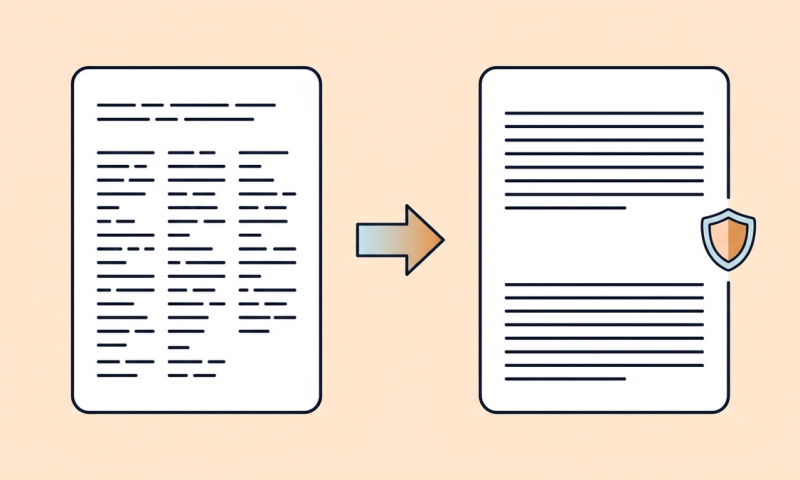
Read the articleTo remove unwanted manual line breaks in desktop Word, open Find and Replace, search for ^l (a caret followed by a lowercase L),…
Read the articleA useful speed reading book should help you choose an appropriate pace, practice deliberately, and check what you understood. A higher words-per-minute number…
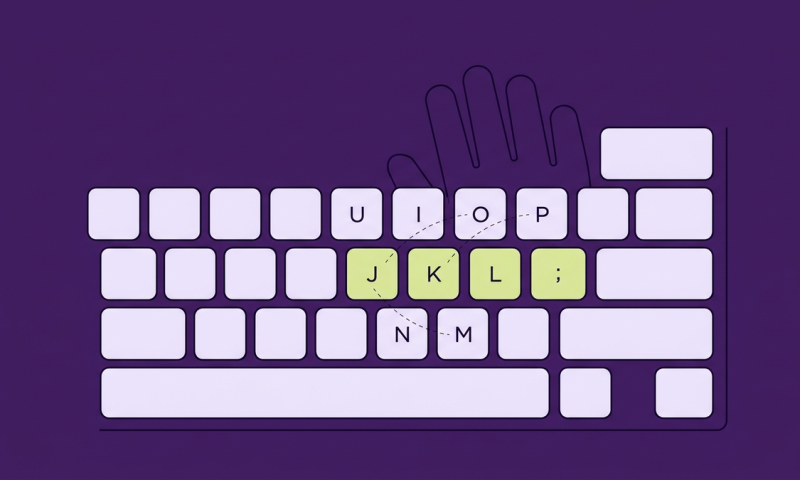
Read the articleRight-hand typing practice can help you become more familiar with the right-side keys on a standard US QWERTY keyboard. Start with J, K,…
Read the articleThe typing practice paragraphs below give you ready-to-copy text for different skills: everyday words, capital letters, punctuation, numbers, and longer passages. Start with…
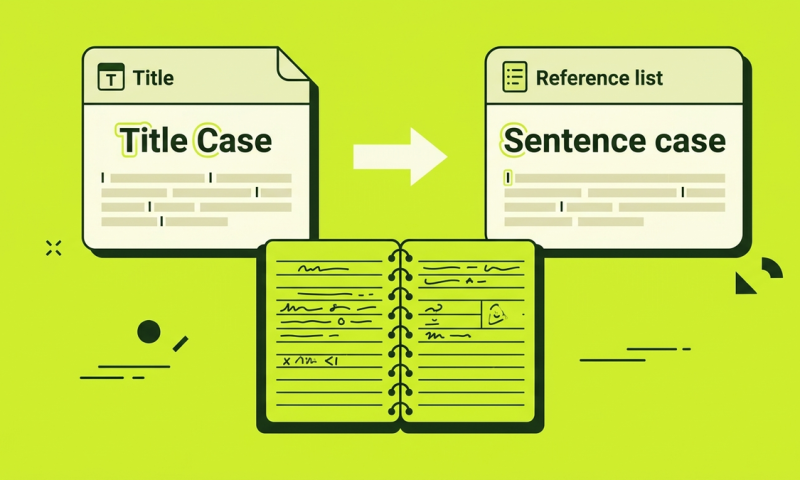
Read the articleAPA title capitalization depends on where the title appears. Your paper title and section headings use title case. Titles of articles, books, reports,…
Read the articleSome competitive keyboard performances exceed 200 words per minute, but there is no useful single answer to "What is the fastest typing speed?"…
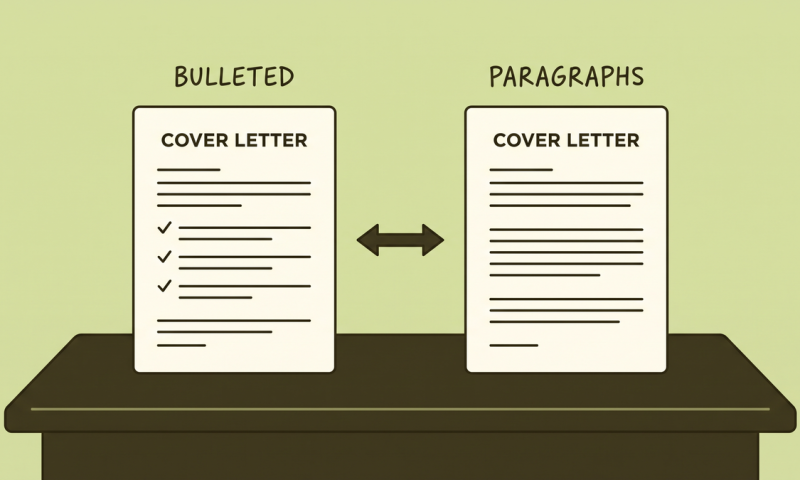
Read the articleYes, you can use bullet points in a cover letter when they make relevant evidence easier to see. The strongest use is usually…
Read the articleWords are separated by whitespace. Characters count Unicode code points, including spaces, not visual glyphs. Reading time assumes 200 words per minute. The tool does not upload your text.
For percentage change, the tool uses (new - original) / original x 100 and requires a positive original value. Results are rounded to six decimal places.
Uses your device clock and your browser's time-zone data. Keep both up to date. This does not request your location or contact a time server.
WPM uses five correctly matched characters per word. Accuracy compares the final text with the passage. Personal bests are saved only in this browser, separately for each test length. This is a practice tool, not a certified exam.
Illustrative preview only. Search engines can rewrite, truncate, or format titles and descriptions differently. Nothing is fetched from the URL.
Based on calendar dates in your device's local time zone. It is not a live event listing or an hours-and-minutes countdown.
Absolute difference between the dates, excluding the end date. Time-of-day and daylight-saving changes do not change this calendar-day calculation.
Uses international feet, inches, yards, and miles. Results are rounded to six decimal places.
Title Case capitalizes whitespace-separated words. Review proper names and editorial exceptions.
Supports HTTP and HTTPS URLs. Existing source, medium, and campaign tags are replaced by your entries, or removed when the corresponding field is blank. Other parameters are preserved.
Creates ASCII URL slugs. Non-Latin text may be removed; review the result before using it.
Words are separated by whitespace. Characters count Unicode code points, including spaces, not visual glyphs. Reading time assumes 200 words per minute. The tool does not upload your text.
Preserves the first occurrence of each line and its order. Matching is case-sensitive and does not remove meaningful spaces.
Commas separate numbers, so enter 1000 rather than 1,000. Decimals use a period. Results are rounded to six decimal places.