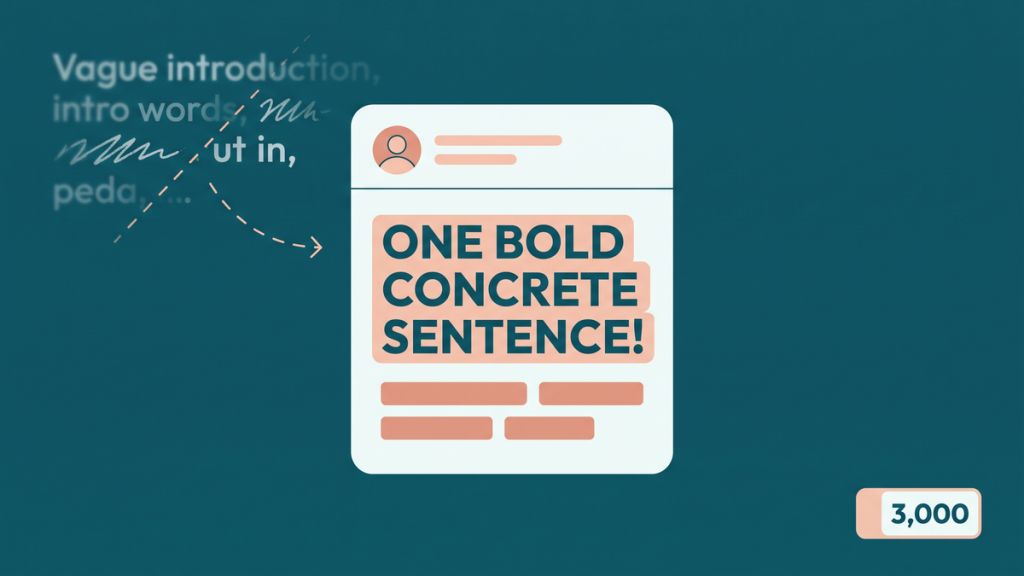
A LinkedIn post can be comfortably below the character limit and still feel too long. The first paragraph may repeat the headline. The middle may describe effort without showing a result. The ending may ask readers to do three different things.
The LinkedIn post character limit is 3,000 characters for a standard feed post. It is a limit, not a recommended target. A useful update might need a few sentences or several short paragraphs, depending on what it promises to explain.
This guide treats the limit as an editing constraint. We will take a fictional project update, find the information worth keeping, and turn it into a post with a clear point.
Know which LinkedIn field you are writing for
A feed post is not the same as a profile headline, an About section, a message, or a long-form article. Each is a different writing task, and you should not transfer one field’s allowance to another.
Budget for the complete post, including spaces, punctuation, links, and any hashtags you actually need. A word count alone cannot tell you whether the draft fits.
The amount shown before a reader expands a post is a separate issue. Screen size, layout, and the post’s presentation can affect the preview. There is no useful reason to treat one fixed number of opening characters as a universal visibility guarantee.
The editing problem: plenty of words, not enough information
Here is an intentionally wordy opening for a fictional operations project:
“I am really pleased and very excited to share a little update on a project that our team has been spending a great deal of time working on over the past few weeks. It has involved lots of collaboration, many different conversations, and a number of important learning opportunities for everyone who has been involved in the process.”
We know the writer is pleased. We do not know what changed, who benefited, or what a reader can learn.
Now consider this opening:
Our support team replaced three handoff spreadsheets with one shared checklist. The useful lesson was not the tool change. It was agreeing who owned the next step.
The revised opening names a concrete problem and introduces a specific lesson. It creates interest without hiding the topic behind a dramatic teaser.
Give each paragraph a job
For this example, the post needs four jobs: establish the problem, explain the change, show what was learned, and invite a relevant response.
An original revised post could read:
“Our support team replaced three handoff spreadsheets with one shared checklist. The useful lesson was not the tool change. It was agreeing who owned the next step.
Previously, each team recorded the same request differently. A task could appear complete in one sheet while another team was still waiting for a decision.
We changed three things: one owner for each open task, one place for the next action, and a short review of blocked items before the weekly meeting.
The first version was too detailed. People skipped fields because they could not tell which ones mattered. Removing optional fields made the checklist easier to use.
My takeaway: simplify the decision before you automate the process.
When a handoff breaks down in your team, is the bigger problem missing information or unclear ownership?”
This is a fictional teaching example, not a claim about a real organization’s results. It includes no invented percentage improvement. The value comes from a concrete process and a useful distinction.
Why that version earns its space
The first paragraph gives the point. The second provides enough context to understand the problem. The third explains the change. The fourth adds a limitation that makes the account more useful than a victory announcement.
The final question follows naturally from the lesson. It does not ask readers to like, share, follow, comment, and visit a website all at once.
Notice what the edit removed: repeated excitement, unnamed collaboration, and vague references to learning. Notice what it kept: the actual difficulty, the action, and the lesson.
That is a useful way to edit LinkedIn post length. Cut language that describes the existence of a story; keep language that tells the story.
Three post types need three different structures
A practical lesson
Start with the problem, show the example, and finish with the principle someone can reuse. A small mistake and its correction can be enough. You do not need a dramatic career story for every lesson.
For instance, a designer could explain how a vague button label caused confusion and show the clearer replacement. The before-and-after wording supplies the evidence.
A project announcement
Tell readers what has launched, who it is for, and where they can find the relevant details. Acknowledge contributors specifically when appropriate and with permission.
Keep internal project history brief unless it helps the audience. Readers usually need to understand what the project does before they need to know how long the planning meetings lasted.
A professional question
Give enough background to make the question answerable. “What do you think about productivity?” is very broad. “How do you record decisions after a meeting when half the team is absent?” gives people a recognizable situation.
Do not manufacture an argument merely to attract replies. A genuine question with a clear context is more useful than a forced choice designed to annoy people.
Use keywords without sounding like a search query
If your post concerns customer onboarding, use that phrase where it describes the subject. Add related terms such as welcome emails, setup steps, or support handoffs when those are genuinely part of the example.
Avoid repeating the same phrase in every paragraph. Readers should understand the topic through specific information, not through a stack of nearly identical keywords.
The same applies to hashtags. A small relevant set can label the subject, but adding many loosely related tags does not replace a useful explanation. Do not claim that a particular hashtag count guarantees reach.
Make the opening survive a short preview
Put the central fact or question before a long preamble. If a reader sees only the opening, they should still know what the post is about.
Compare “After a long journey, I have something important to share” with “We removed two approval steps from our weekly content review.” The second sentence gives a reason to continue.
You can be engaging without becoming mysterious. An opening should invite attention through relevance, not withhold the basic subject until the reader expands the post.
Check length after the last edit, not before it
Add the final link, attribution, and necessary context before checking the character count. Then use the character and word counter for a draft check and confirm the pasted post in LinkedIn.
Read it on a narrow screen. Look for an oversized paragraph, a confusing line break, or a question separated from the context it needs. Keep connected ideas together rather than putting every sentence on its own line automatically.
Finally, check the truth of the post. Are the numbers accurate? Do you have permission to share the example? Is a result clearly distinguished from an assumption?
A strong LinkedIn update does not need to reach 3,000 characters. It needs a point worth making, enough evidence to understand it, and a shape that lets readers follow without guessing.